Consultancy · Access Control DesignAccess Control Design, Done Right.
Complete access control design for offices, airports, hospitals, factories, banks and government buildings: zoning and access levels, entrances and speed gates, credentials and biometrics, door hardware, visitor and vehicle access, controllers, network and integration. The right people in the right places, at the right time.
- Zoning, access levels and door schedules
- Drawings, specifications and BOQ
- Design, supply and installation
- Every door matched to its risk
- Fast entrances at peak hours
- Safe exits in every emergency
- Visitors, vehicles and staff in one system
Access control consultancy
What is access control design?
Access control design decides who can go where, when and how they prove who they are. It turns a building into layers of security, from the site gate to the most sensitive room.
A good design places the right check at every layer: number plate recognition at the gate, speed gates in the lobby, card readers on floors and two-factor checks at server rooms and vaults. It keeps entrances fast at peak hours, lets visitors in only where they are expected, releases exit doors in a fire and records every event for investigation.
We design access control for offices, airports, hospitals, banks, factories, universities, hotels, residential towers and government buildings, in Pakistan and for international clients.
Right person. Right place. Right time. Every door, every day.
How a well-designed system works
A complete access control layout, animated
Follow a car, a staff member, a visitor, an IT administrator and a contractor through one building. Each door checks the right credential, and every event reaches the control room.
- ArriveThe number plate is read and the gate opens. Staff walk to the lobby.
- VerifyCard at the speed gates. Visitors register and get a QR pass.
- MoveEach door checks the right credential. Secure rooms need two factors.
- MonitorA denied attempt raises an alarm and security responds.
Interactive access levels
Who can go where?
Choose a user group to see the rooms it can open. This access matrix is the heart of every design and becomes the rules programmed into the system.
Staff
Lobby, lifts, corridor and their own office floor, during working hours.
- Allowed
- Escorted only
- No access
Step by step, A to Z
Access control design in 12 steps
The complete method we follow for every project, from the first risk study to handover.
Step 01
Brief, risk and user study
We start with what you need to protect and who needs to move where: staff, visitors, contractors, cleaners, deliveries and management, and at what times.
- Assets, threats and the cost of a breach
- User groups, numbers and working hours
- Current doors, gates and security gaps
- Budget, phasing and future growth
Step 02
Zoning and access levels
Every area gets an access level. The higher the level, the stronger the check and the fewer people who can enter.
- Public, controlled, restricted and high-security zones
- Access levels from lobby to server room
- Rules by role, floor, door and time of day
- Anti-passback and one-person-per-entry rules
Step 03
Entrances and throughput
Entrances must move people quickly at peak times without letting anyone slip through. We calculate the lanes you need.
- Peak arrivals per minute at each entrance
- Number of entry, exit and wide lanes
- Queue space inside the lobby
- Emergency exit and evacuation routes
Step 04
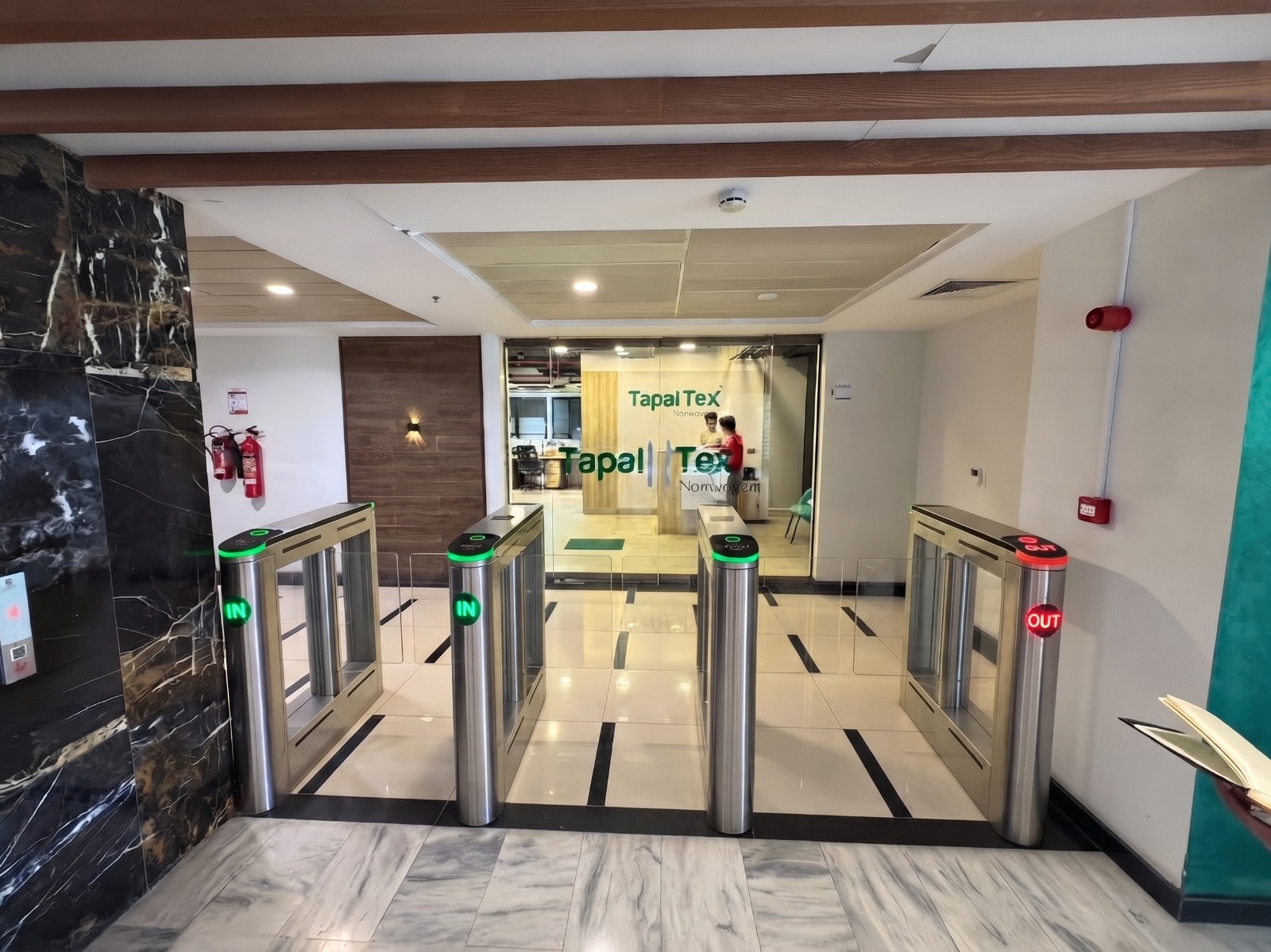
Pedestrian barriers and gates
We choose the right barrier for each entrance: fast and elegant in lobbies, strong and tamper-proof at perimeters.
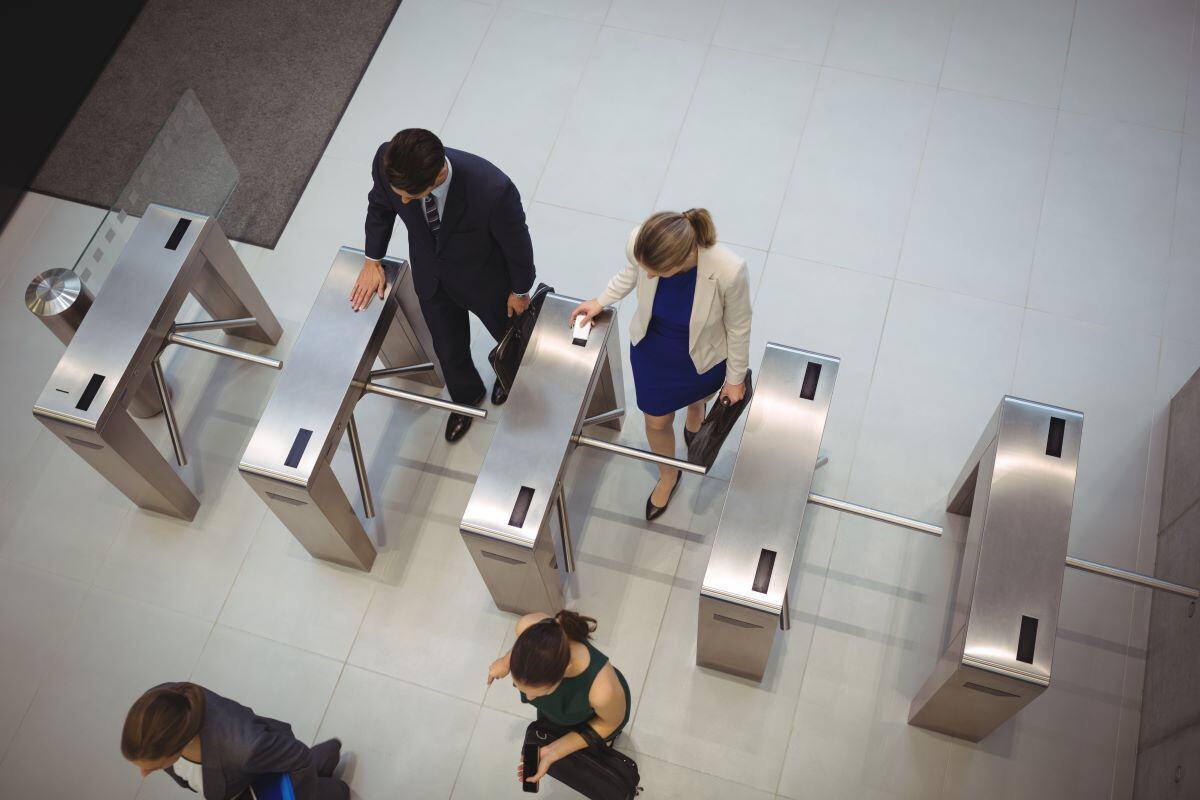
- Tripod turnstiles for staff and factory gates
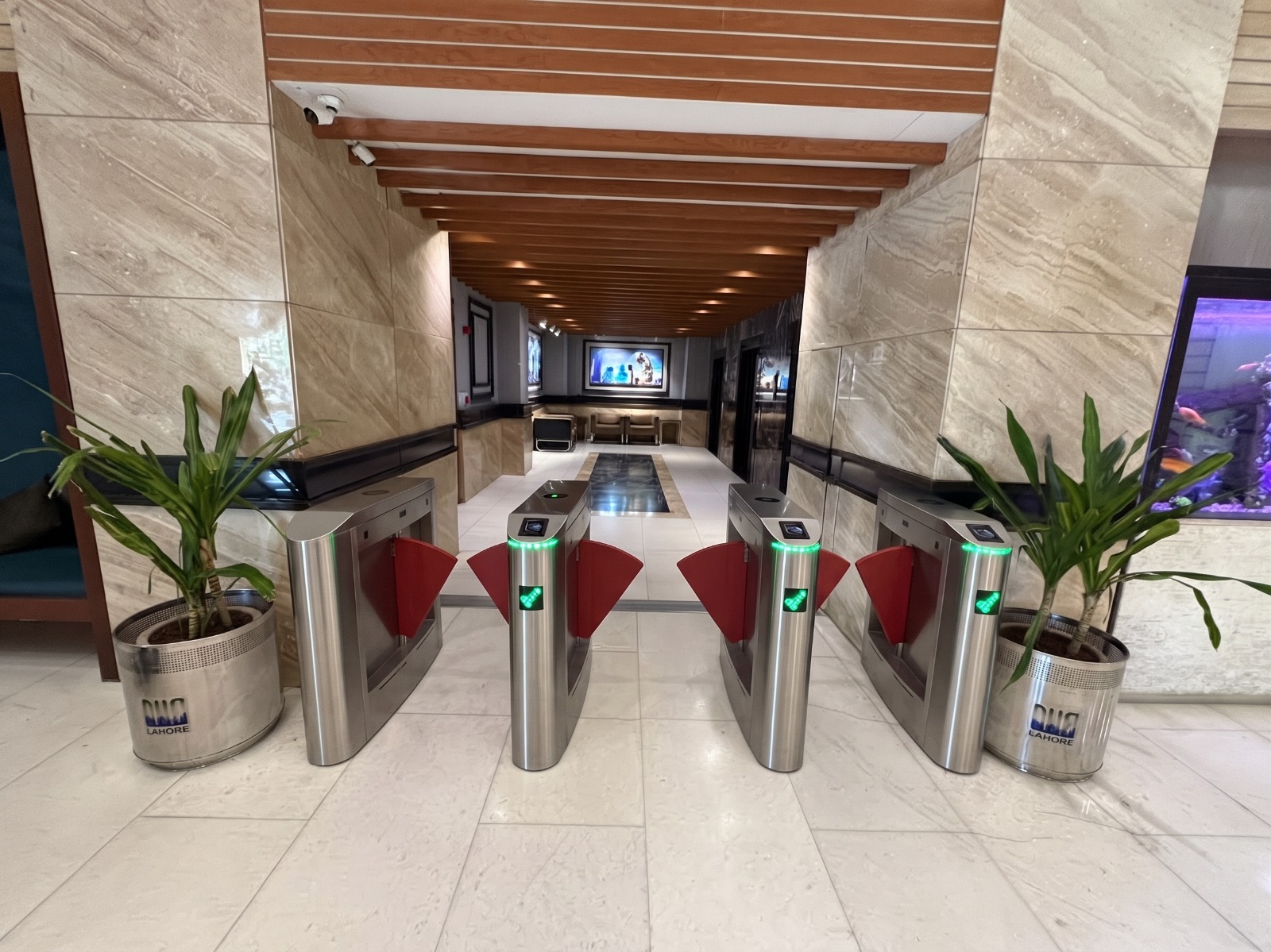
- Flap barriers and speed gates for lobbies
- Full-height turnstiles for unmanned perimeters
- Wide lanes for wheelchairs, trolleys and goods
Step 05
Choosing credentials
The credential is what a person presents to open a door. We match it to the security level, user group and budget.
- Proximity and smart cards, key fobs
- Mobile credentials on smartphones
- PIN codes and QR codes for visitors
- Fingerprint and face recognition

Step 06
Biometrics and multi-factor
High-security rooms need more than a card that can be lent or lost. Two factors prove the right person is at the door.
- Card plus fingerprint or card plus PIN
- Face recognition for touchless, fast entry
- Two-person rule for vaults and data rooms
- Privacy and data protection built in
Step 07
Doors and locking hardware
A reader is only as strong as the door it controls. We specify the full door set so every door locks, reports and opens safely.
- Magnetic locks, electric strikes and motor locks
- Door contacts for forced and held-open alarms
- Exit buttons, break-glass units and door closers
- Fail-safe and fail-secure choices for every door
Step 08
Visitor management
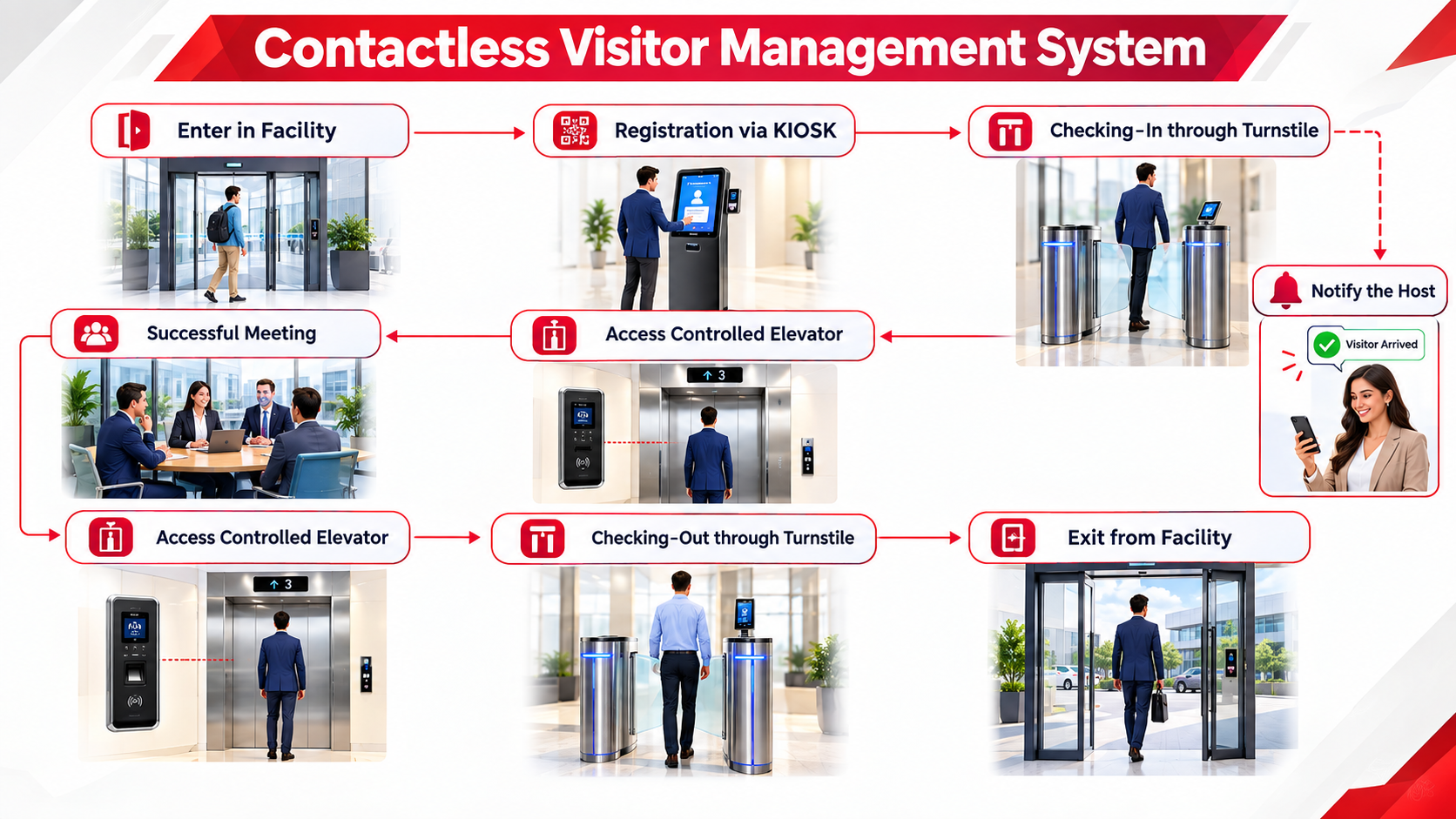
Visitors should be welcomed quickly and tracked from arrival to exit, with access only to where they are going.
- Pre-registration and invitations by email
- Self-service kiosks with ID scanning
- QR passes limited to one floor and one time
- Host notification and visitor reports
Step 09
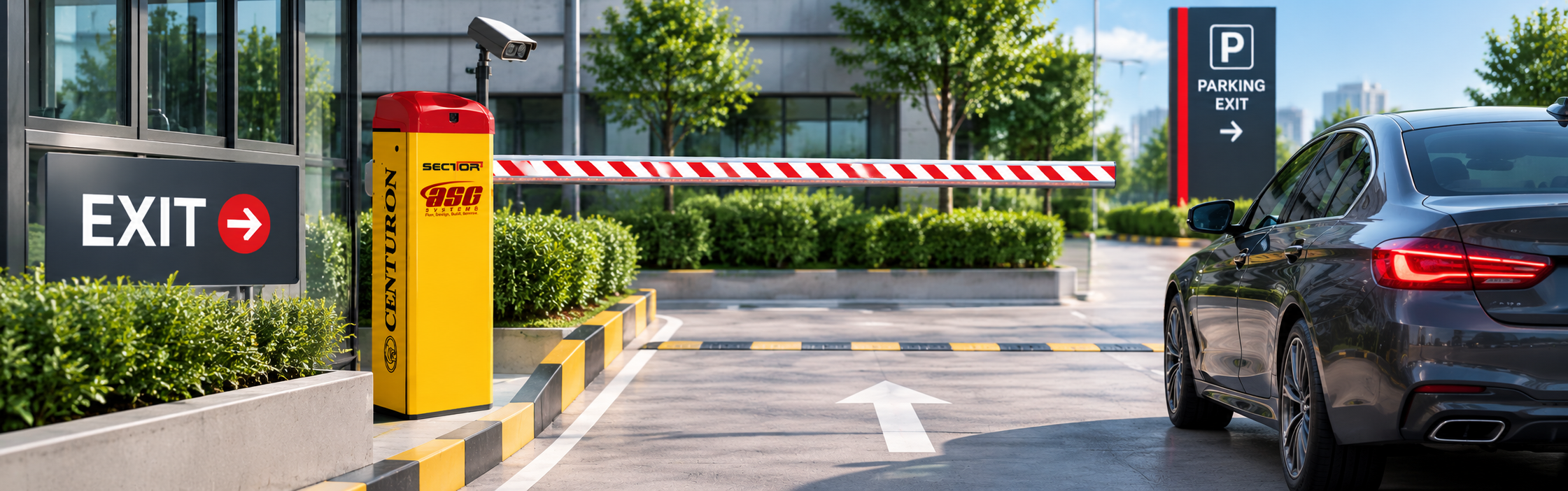
Vehicle access
The site gate is the first layer. We design lanes, barriers and readers so authorised vehicles enter smoothly and others are stopped.
- Number plate recognition and long-range readers
- Boom barriers, sliding gates and road blockers
- Guard house and visitor vehicle process
- Separate lanes for staff, visitors and trucks
Step 10
Controllers, network and power
The system behind the doors must keep working when the network or power fails.
- Door controllers that decide locally when offline
- Secure network design and cabling routes
- UPS and battery backup for locks and controllers
- Server, software and user licences sized for growth
Step 11
Integration and emergencies
Access control works best as part of the whole security and building system.
- Fire alarm releases exit doors automatically
- CCTV video linked to every door event
- Lift control by floor and attendance data
- Intrusion alarm, lockdown and muster reports
Step 12
Drawings, commissioning and handover
We turn the design into drawings and documents that contractors can build from, then support installation and training.
- Door schedule and reader layout drawings
- Cable, containment and riser diagrams
- Specifications and bill of quantities
- Testing, commissioning, training and handover
Credentials we design for
Cards, mobile, face and fingerprint
Most buildings use a mix. We choose the credential for each door and user group, so security is strong where it matters and entry stays fast everywhere else.
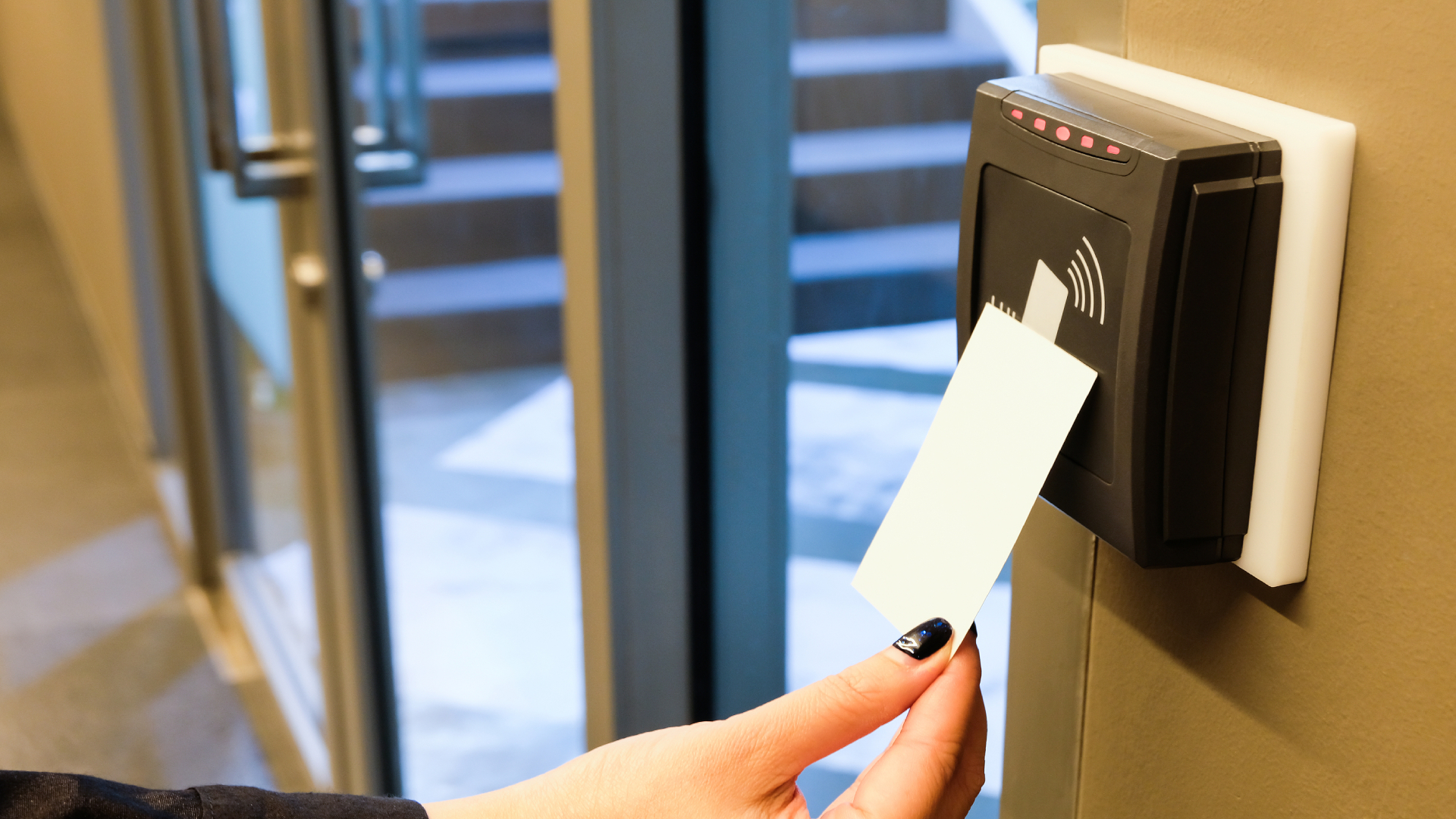
Cards and key fobs
Fast, familiar and easy to issue or cancel. Ideal for staff doors, lifts and car parks.

Mobile credentials
The phone becomes the key. Nothing to print or lose, and passes can be sent remotely.
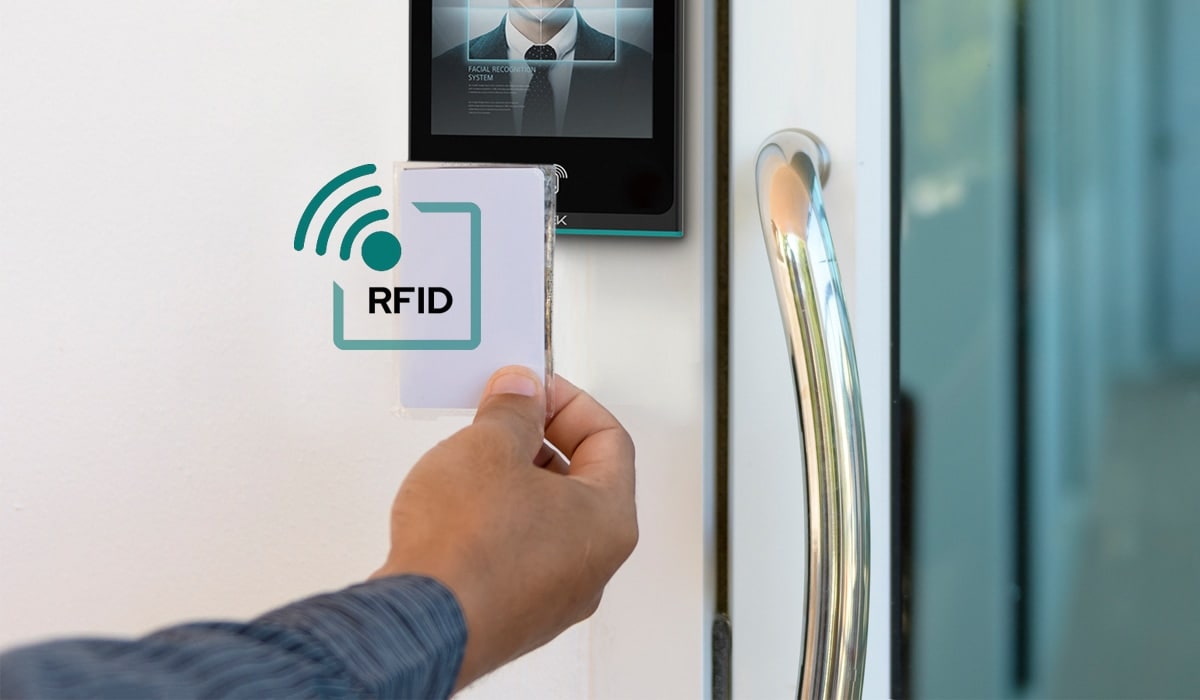
Face recognition
Touchless and fast, with the person themselves as the credential. Strong for secure rooms.
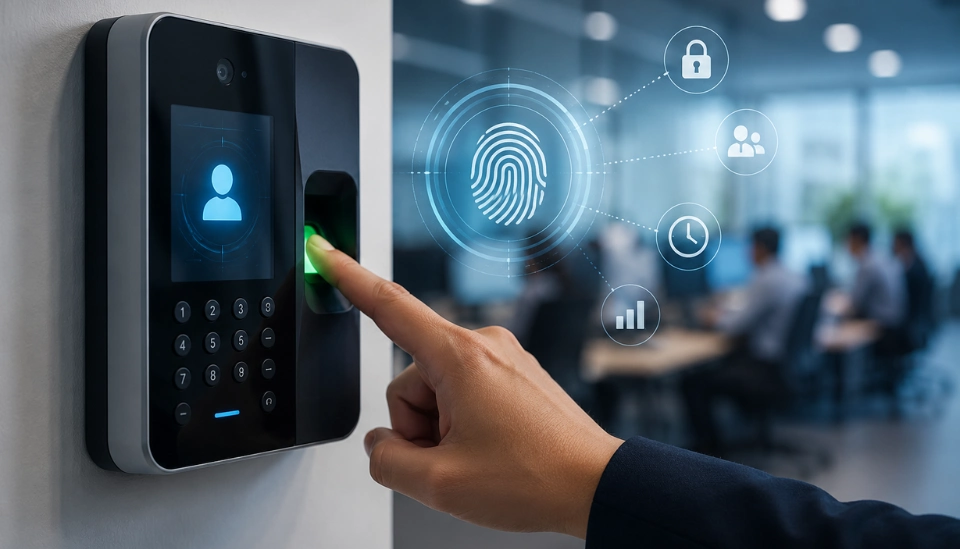
Fingerprint and PIN
Proves identity at high-security doors and records attendance at the same time.
| Credential | Security | Speed | Best for |
|---|---|---|---|
| Card or key fob | Medium | Very fast | Staff doors, lifts, car parks |
| Mobile credential | Medium to high | Fast | Offices, residential, remote issue |
| PIN or QR code | Low to medium | Medium | Visitors, deliveries, temporary access |
| Fingerprint | High | Medium | Secure rooms, attendance |
| Face recognition | High | Fast, touchless | Lobbies, secure rooms, hygiene areas |
| Card + biometric | Very high | Medium | Server rooms, vaults, control rooms |
From design to reality
Designed for busy, real-world entrances
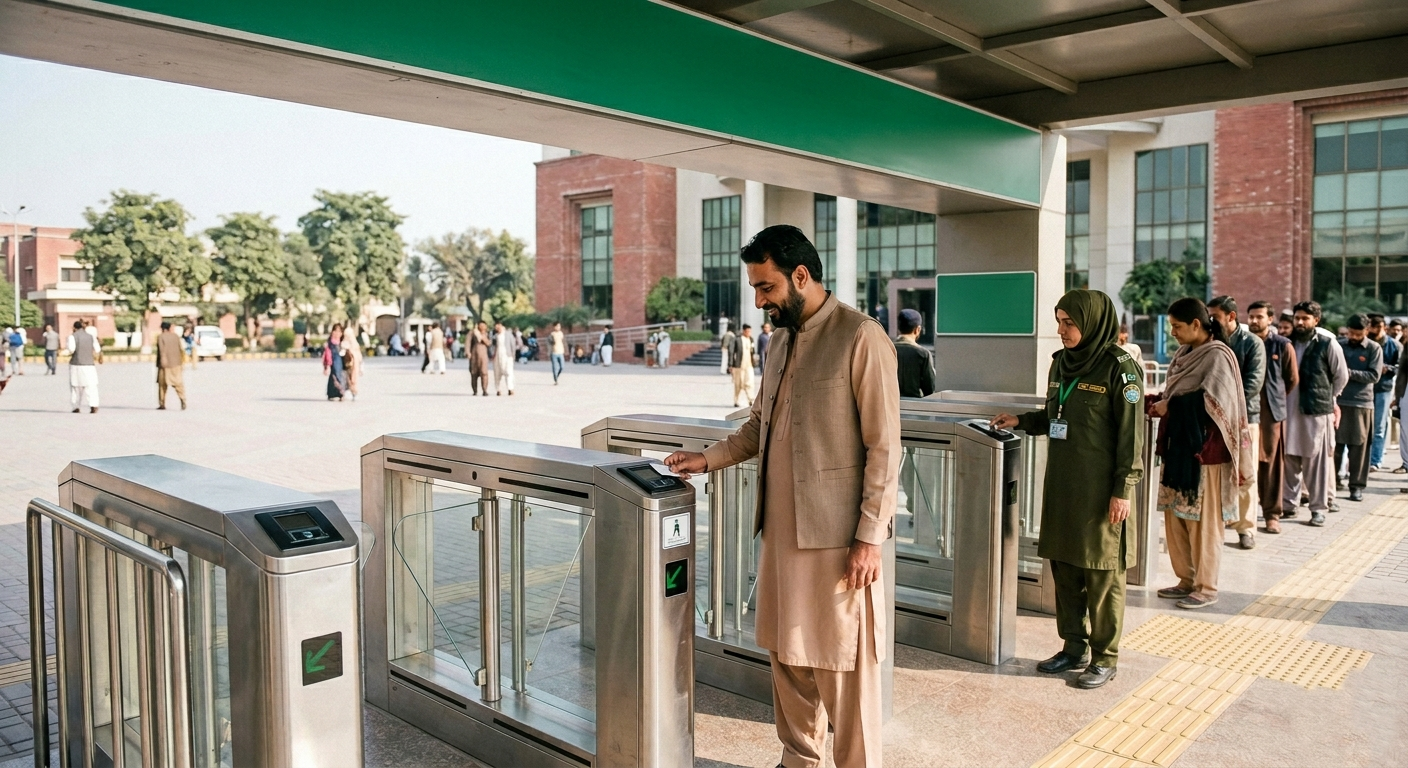
Public buildings, universities and airports see hundreds of people arrive at once. Our designs size the lanes, queue space, guard positions and exit routes so the entrance stays secure and moving, even at the busiest hour.
- Lane numbers from real peak counts
- Guard and reception positions with clear sightlines
- Separate routes for staff, visitors and exits
Where we design access control
Access control for every building
Offices and corporate
Speed gates, floor access, meeting rooms and visitors.
Airports
Staff zones, airside doors, badge control and audits.
Hospitals
Pharmacy, theatres, wards and safe exits for patients.
Banks and data centres
Vaults and server rooms with two factors and audit trails.
Factories and warehouses
Shift entrances, attendance, contractors and truck gates.
Government and defence
Layered zones, strict visitor control and lockdown.
FAQs
Access control design FAQs
What is access control design?
Access control design is the planning of who can enter which areas of a site, when and how. It covers zoning and access levels, entrances and barriers, credentials, door hardware, visitor and vehicle access, controllers, network, power and integration with other security systems.
Why do I need an access control consultant?
A consultant makes sure the right doors are controlled with the right level of security, that entrances handle peak traffic, that doors stay safe in emergencies and that the system can grow. This avoids costly changes after installation.
Which credential is best: card, mobile, fingerprint or face?
It depends on the security level and users. Cards and mobile credentials are fast and easy to manage, PIN and QR codes suit visitors, and fingerprint or face recognition prove identity for high-security areas, often combined with a card as two factors.
What is the difference between a turnstile, a flap barrier and a speed gate?
Tripod turnstiles are strong and economical for staff and factory entrances. Flap barriers and speed gates are faster and more elegant for office and hotel lobbies. Full-height turnstiles are used at unmanned perimeter gates.
What happens to access controlled doors during a fire?
Exit doors on escape routes are designed to release automatically when the fire alarm activates or when power is lost, so people can always get out. Secure rooms that do not lie on escape routes can stay locked.
What is anti-passback?
Anti-passback stops a card from being used to enter twice without exiting, which prevents people from passing their card back to someone else. It is common at car parks, turnstiles and secure areas.
Will access control keep working if the network fails?
Yes, when it is designed correctly. Door controllers store user rights and events locally, keep making decisions offline and send the events to the server when the network returns. A UPS keeps locks and controllers powered.
How is visitor access managed?
Visitors can be invited in advance, register at a kiosk or reception, receive a QR pass or temporary card that works only for their floor and time, and are logged out on exit. The host is notified on arrival.
Can access control be linked to CCTV, lifts and attendance?
Yes. We design integration so every door event can show video, lifts only go to permitted floors, attendance comes from entry data and the fire alarm releases exit doors.
Do you design access control for projects outside Pakistan?
Yes. Our access control design consultancy is available to international clients, working from drawings and site information, with site visits when needed. We also supply, install and commission systems.
Design Access Control That Works
Share your drawings and we will design zoning, entrances, credentials, doors, visitor and vehicle access and integration, with drawings and a bill of quantities, for projects in Pakistan and abroad.
